Whole-Home Mesh Wi-Fi
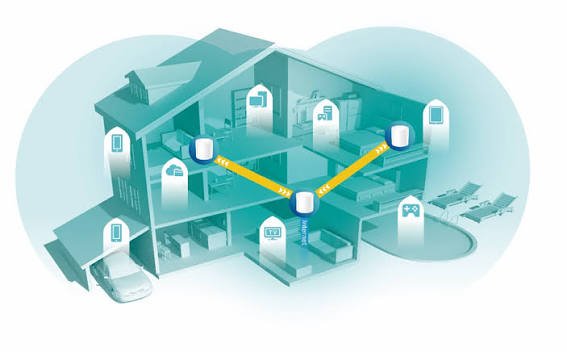
Plan and configure mesh nodes to improve wireless coverage in bedrooms, basements, home offices and other hard-to-reach spaces.
Enjoy stronger connections throughout your home. NCR helps with mesh Wi-Fi installation, router and modem setup, and troubleshooting that gets your devices connected.
Serving Springfield, Illinois and surrounding communities.
From a single weak room to a whole-home networking refresh, NCR can evaluate the layout, equipment and service requirements before recommending a solution.
Plan and configure mesh nodes to improve wireless coverage in bedrooms, basements, home offices and other hard-to-reach spaces.
Replace, configure and troubleshoot compatible routers, gateways and DOCSIS 3.1 cable modems.
Investigate slow connections, dropped devices, weak signals and issues affecting smart-home equipment.
Help connect cameras, doorbells, TVs, gaming systems and other devices to a dependable home network.
Review existing equipment and discuss suitable replacements or improvements without unnecessary purchases.
Check equipment requirements for Xfinity, AT&T and other providers before planning a replacement or setup.
NCR has experience with TP-Link, eero, NETGEAR and Google networking equipment, as well as modem/router setups and internet provider requirements. Brand names identify products we've worked with; NCR is not claiming an official brand partnership.
Need new hardware? NCR can help select, purchase and install equipment suited to your needs.
Already purchased a system? NCR can install or configure customer-supplied equipment after a compatibility and scope review.
DOCSIS 3.1 cable modems may be appropriate for compatible cable plans. Fiber and other connections, including many AT&T services, may require provider-specific gateways or settings.
We'll review compatibility before recommending a plug-and-play option. Actual coverage and speeds depend on the home, equipment and internet service.
Tell us where coverage is weak and what devices you need connected.
Review the home layout, current equipment and provider requirements.
Set up approved routers, modems or mesh Wi-Fi equipment.
Check connectivity and adjust placement or settings where needed.
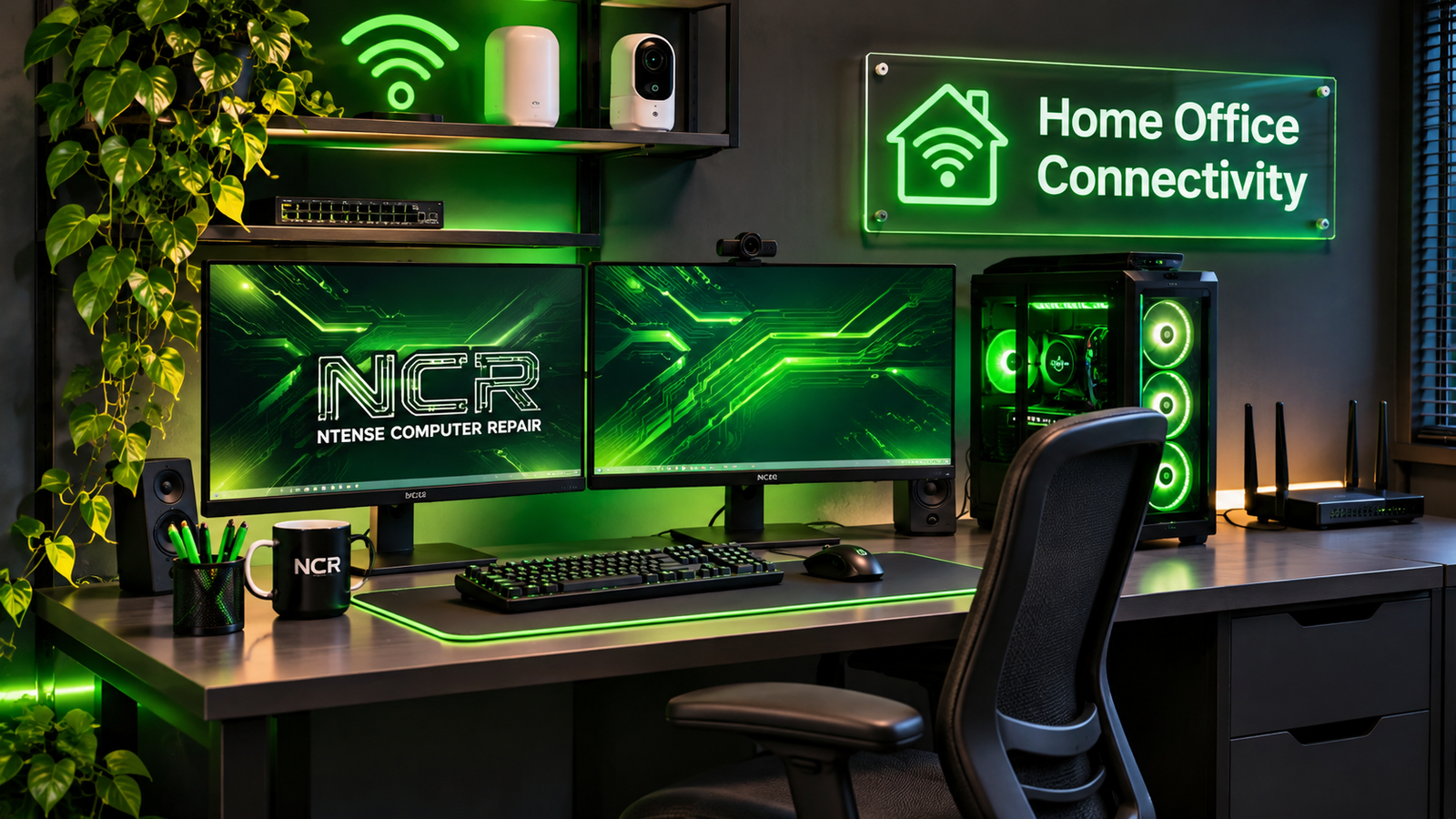
Illustrative equipment and home-networking photography; these are not photographs of NCR customer installations.
Tell us about your dead zones, existing equipment and internet provider. We'll discuss practical options for better coverage.